
Use Case
Virtually Try On Clothes Before You Buy Online
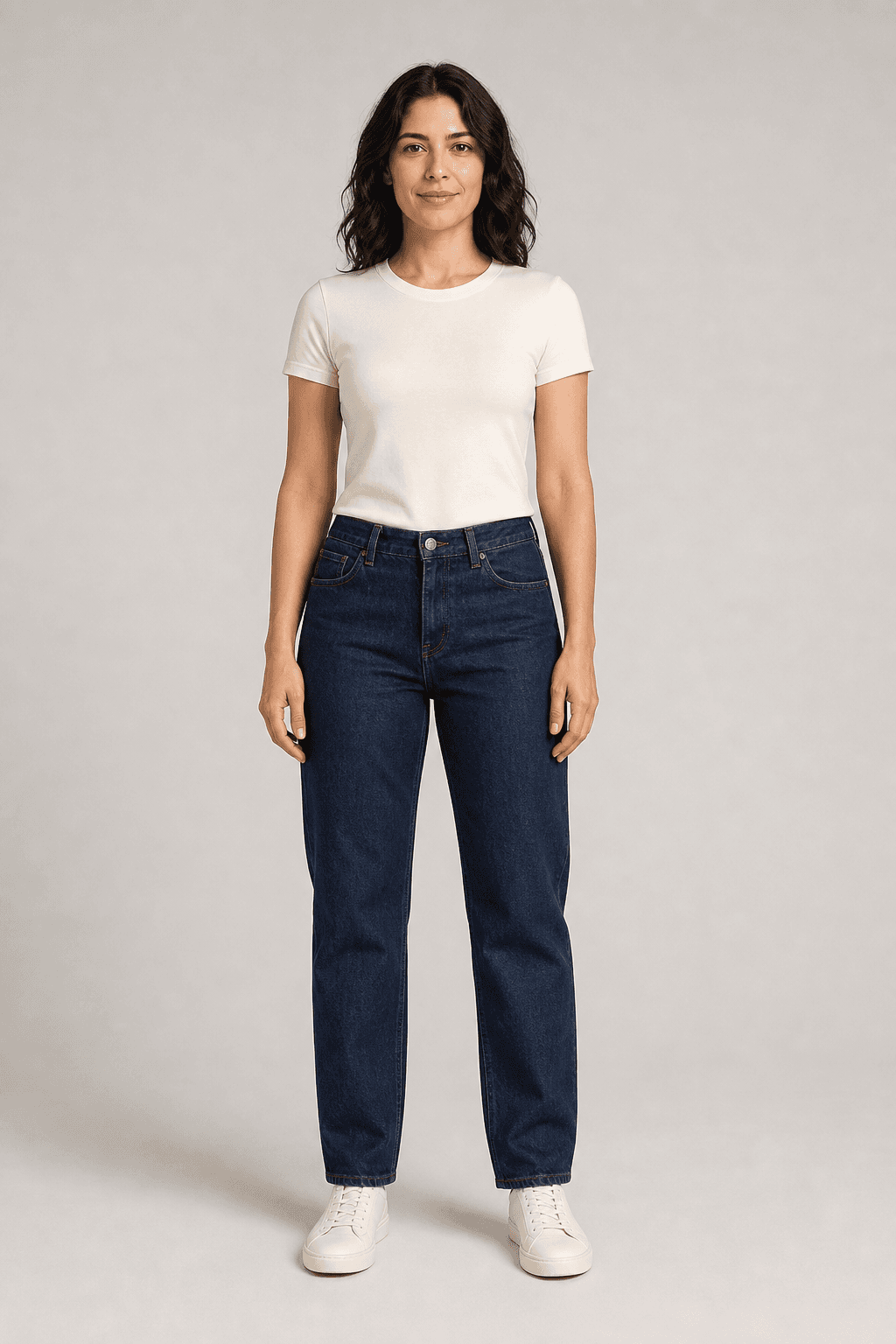
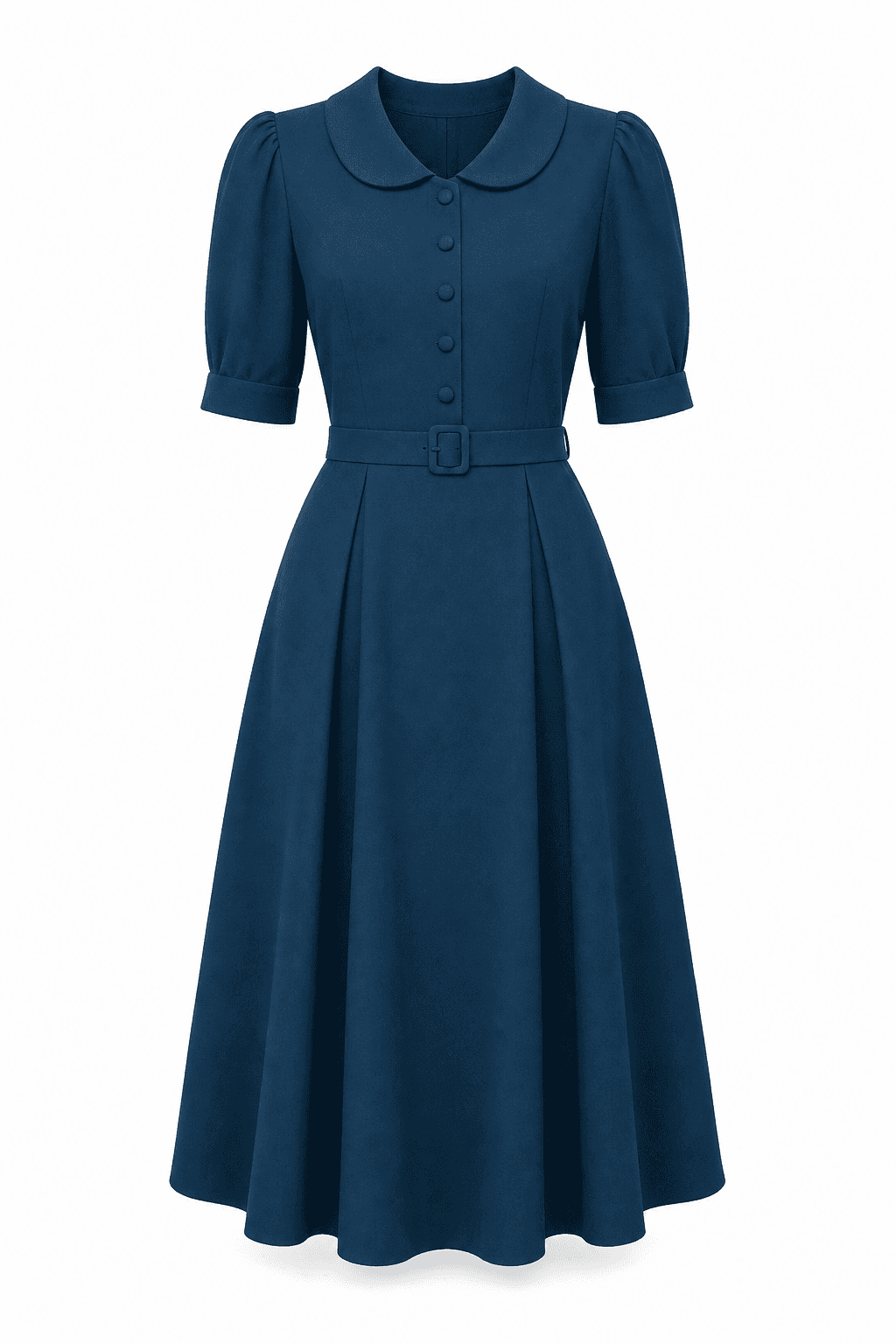
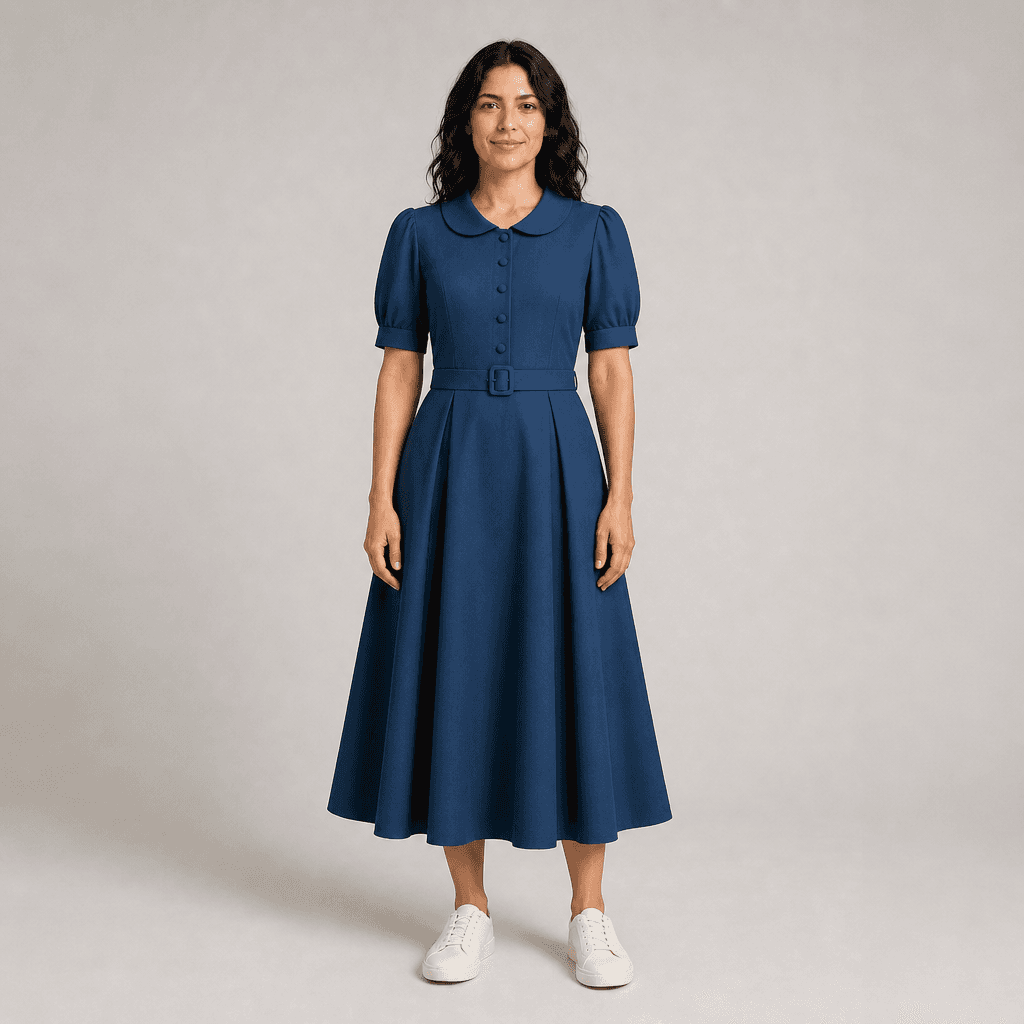
Bring a garment image from a product page together with your own photo to create a virtual try-on preview, an AI visual reference you can look at before you decide whether to buy.
Product Photos Do Not Show the Item on You
A retailer page shows the garment on a model or on its own. It cannot show how the design, color direction, and silhouette may look with your features, and when you shop online there is no fitting room. A virtual try-on preview adds one more reference point without replacing the retailer’s product information.
Add a Virtual Try-On Step to Your Shopping Research
Fit & Share accepts your photo and one garment image: a top, a bottom, or a dress. It generates an AI visual approximation of that item on you. It works with an image from any store because it does not connect to retailer inventory, sizing, carts, or checkout. After viewing the preview, return to the retailer to verify the size chart, product details, availability, and return policy.
Steps
- 1
Save the garment image
Choose a clear image of the whole garment from the retailer’s product page and follow the retailer’s image-use terms.
- 2
Upload your own photo
Use a clear, front-facing photo of yourself that you have permission to upload. You can start without creating an account.
- 3
Generate a visual reference
Create the AI preview and assess it as an approximate visual impression of the item on you.
- 4
Verify with the retailer
Return to the product page to check the size chart, materials, exact color information, stock, price, and return policy.
A Shopping Reference, Not Retailer Data
The preview is an AI visual approximation, not a guarantee of size, physical fit, fabric drape, or exact color. Because there is no retailer integration, the retailer’s current size chart, product details, availability, and return policy remain the source to check before purchasing.
Frequently Asked Questions
Can I virtually try on clothes from any online store?
Yes, as long as you can save a clear image of the garment and you follow the retailer’s image-use terms. Fit & Share works only from the images you upload. It is not connected to any retailer, so it cannot check stock, sizes, or prices.
Will the virtual try-on show me my size or how it will fit?
No. The preview is an AI-generated visual approximation. It does not measure your body or the garment, so it cannot predict size, physical fit, fabric drape, or exact color. Use the retailer’s size chart and return policy for those decisions.
Which kinds of clothing can I try on?
One garment per preview: a top, a bottom, or a dress. The garment type is detected automatically, and you can change it if it is wrong. Shoes, accessories, and complete multi-piece outfits are not supported as a single input.
Do I need an account to try it?
You can try it without an account. After you verify your email, you get 5 free credits, valid for 12 months. Pro is $9.99 per month. It adds 30 credits per billing period, up to a 60-credit balance.
What happens to the photos I upload?
Your photos are stored securely and are not used to train AI models. Removing an item from your history hides it from view. To have stored files fully deleted, email support@fitandshare.online. See the Privacy Policy for details.