
Use Case
Try On a Dress Virtually With Your Own Photo
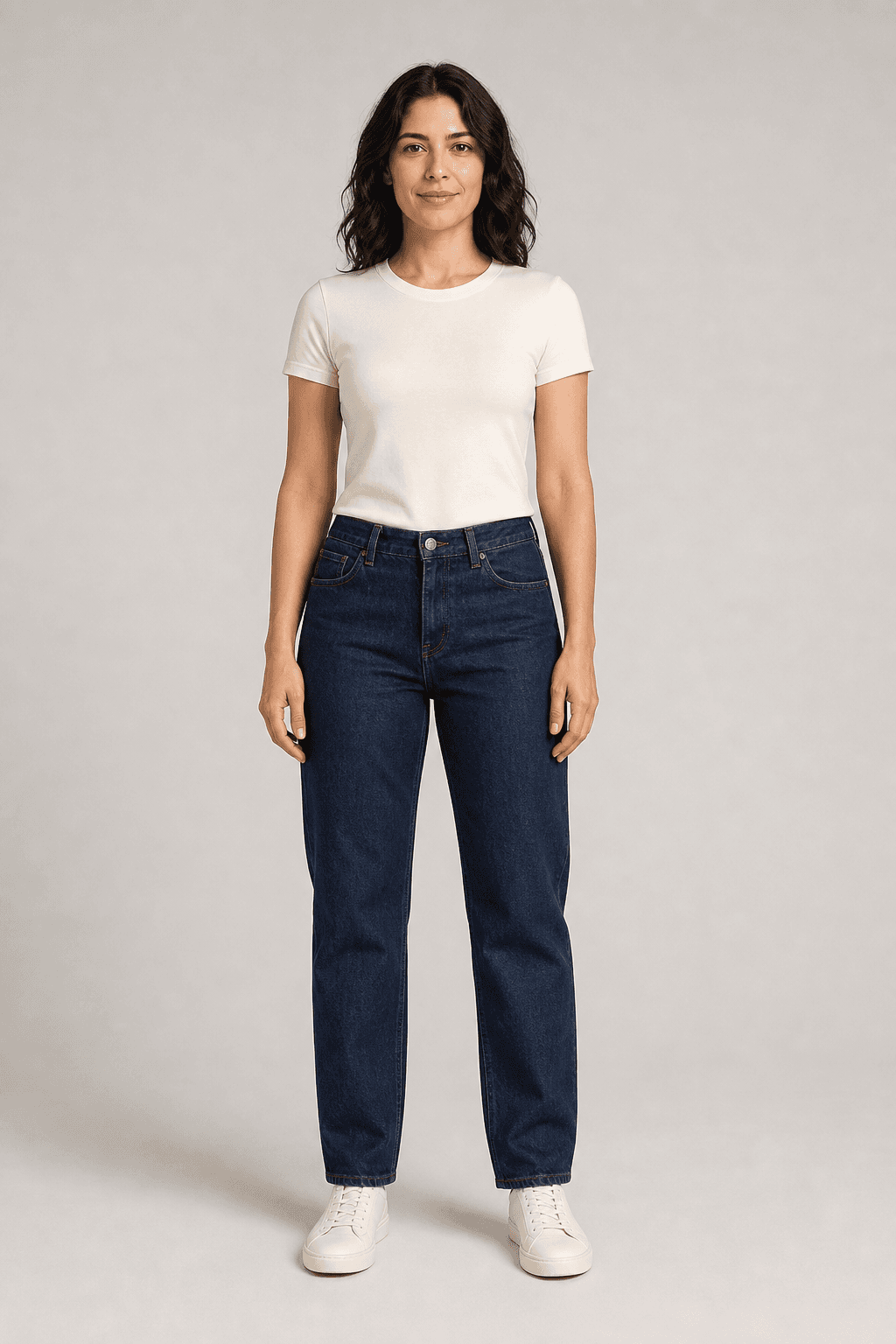
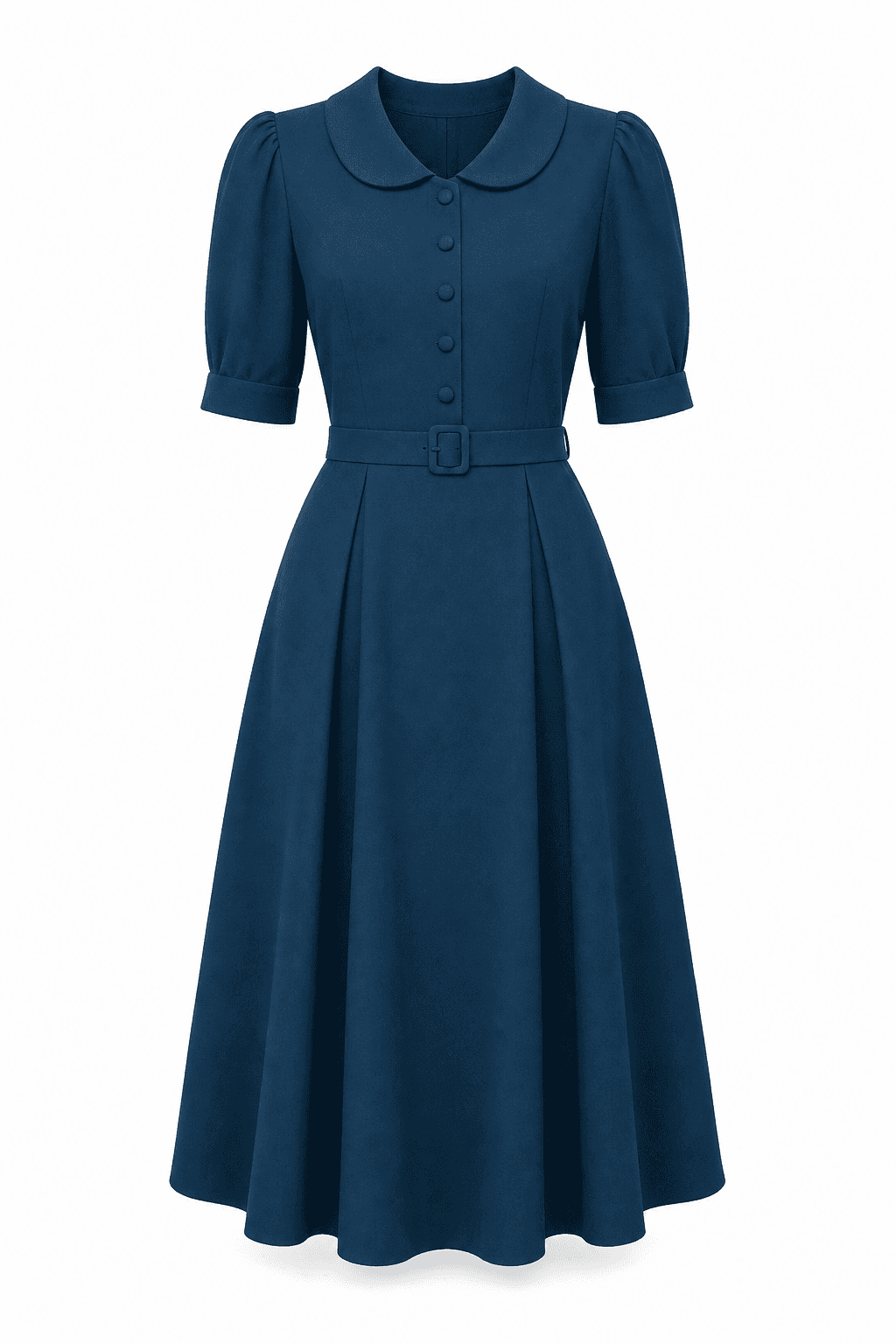
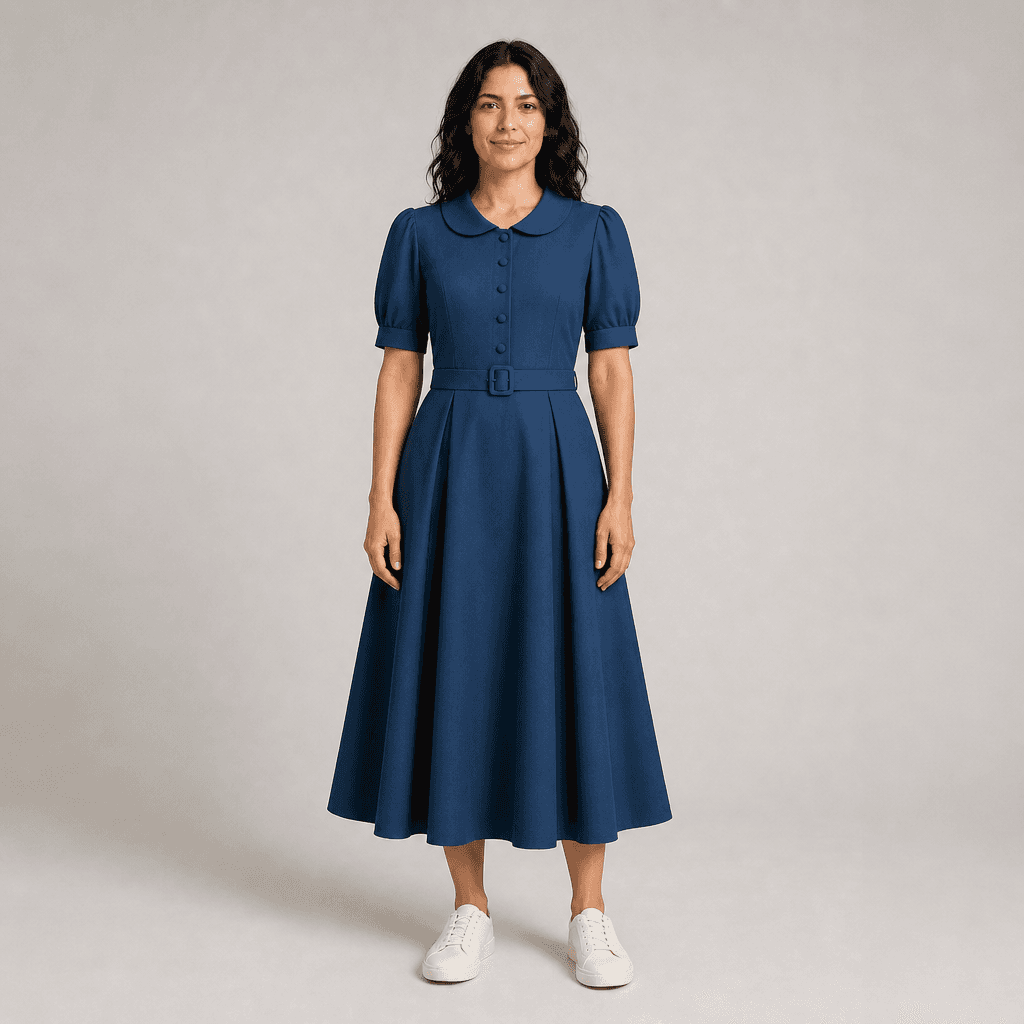
Found a dress for a wedding, a party, or a summer weekend and can’t tell if it’s right for you? Upload your photo and one image of the dress. Fit & Share creates an AI preview of that dress on you before you order.
A Dress on a Model Doesn’t Show You How It Looks on You
Dresses are hard to judge from a product page. The model has a different build, different coloring, and a different pose. You can see the dress clearly. What you can’t see is how that color, neckline, and shape look on you. For an event, you often have to order well ahead and hope it works.
Preview the Dress on Your Photo, Then Check the Details
Upload a photo of yourself and one image of the dress. Fit & Share generates an AI visual approximation of that dress on your photo. Use it to compare colors and necklines, or to narrow three options down to one. If the garment isn’t detected as a dress, you can change the type yourself. The preview shows a look. It doesn’t measure anything, so check the seller’s size chart and length before you buy.
Steps
- 1
Pick your photo
Use a clear, front-facing photo of yourself that you have permission to upload. For a long dress, a full-body photo makes the length easier to see.
- 2
Add one dress image
Save a clear image of the whole dress from the product page. Follow the store’s image-use terms.
- 3
Generate the preview
Create the AI preview. You can try it without an account. Make sure the garment type is set to dress.
- 4
Check it against the listing
Compare the color, neckline, sleeves, and length with the seller’s photos. Then confirm your size, the dress measurements, and the return policy.
A Visual Preview of the Dress, Not a Fitting
The preview is an AI visual approximation, not a guarantee of size, physical fit, fabric drape, or exact color. It doesn’t measure you or the dress. It can’t tell you where the hem will fall or how the waist will fit. AI can also change details like sleeve length, hemline, neckline, lace, or prints. If the preview looks different from the product photos, trust the seller’s photos and measurements.
Frequently Asked Questions
How does virtual dress try on work?
Upload a photo of yourself and one image of a dress. Fit & Share uses AI to create a picture of that dress on you. It works only from the images you upload and isn’t connected to any store, so you can use a dress image from any shop. Just follow the store’s image-use terms.
Can I try on a dress online for free?
Yes. You can try it without an account. Verify your email and you get 5 free credits, valid for 12 months. The Free plan doesn’t need a credit card.
Will it show me how the dress fits or which size to buy?
No. The preview is an AI-generated visual approximation. It doesn’t measure your body or the dress, so it can’t predict size, fit, fabric drape, or exact color. Use the seller’s size chart and return policy for that.
Can I see how long the dress will be on me?
Only roughly. The preview follows the dress image, so it can show the general style, like a mini, midi, or maxi cut, on your photo. It can’t show exactly where the hem will land. AI can shift a hemline, and it doesn’t know your height or the dress measurements. For length, go by the seller’s measurements.
Can I try on a wedding guest or prom dress?
Yes, as long as you have a clear image of the dress. Previewing a few options side by side can help you choose a color or neckline before an event. The preview can’t confirm fit, so order early enough to allow for a return.
Can I add shoes, accessories, or a second piece?
Each preview uses one garment: a top, a bottom, or a dress. Shoes, bags, jewelry, and other accessories aren’t supported. For a two-piece set, preview the top and the bottom separately.
What happens to my photos?
Your photos are kept in private storage and aren’t used to train AI models. Uploads are checked by automated content moderation. To have stored files deleted, email support@fitandshare.online.